
iPhone Shortcuts are a powerful tool for anyone looking to be more productive. If you find yourself performing the same tasks on your iPhone every day, there's a good chance you can automate them with a shortcut. This guide will walk you through the basics of creating and using shortcuts to save time and effort.
What Are iPhone Shortcuts?
Shortcuts let you combine multiple steps across different apps into a single tap or voice command. For example, you could create a shortcut that gets directions to your next calendar event, sends an ETA to a contact, and starts playing your favorite podcast.
Ideas for Your First Shortcut
- Morning Routine: Get the weather forecast, read your top headlines, and start a playlist.
- Workout Timer: Set a timer for your exercises and automatically log your workout in the Health app.
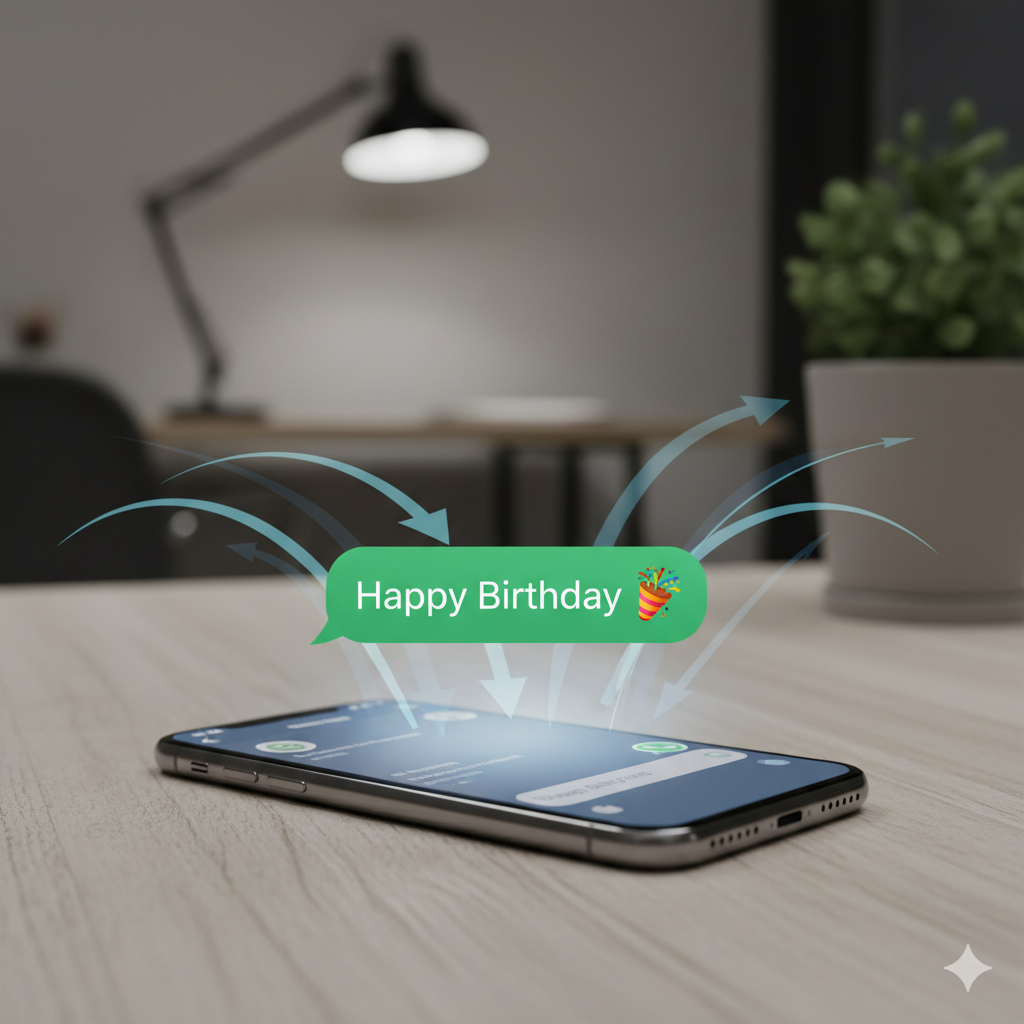
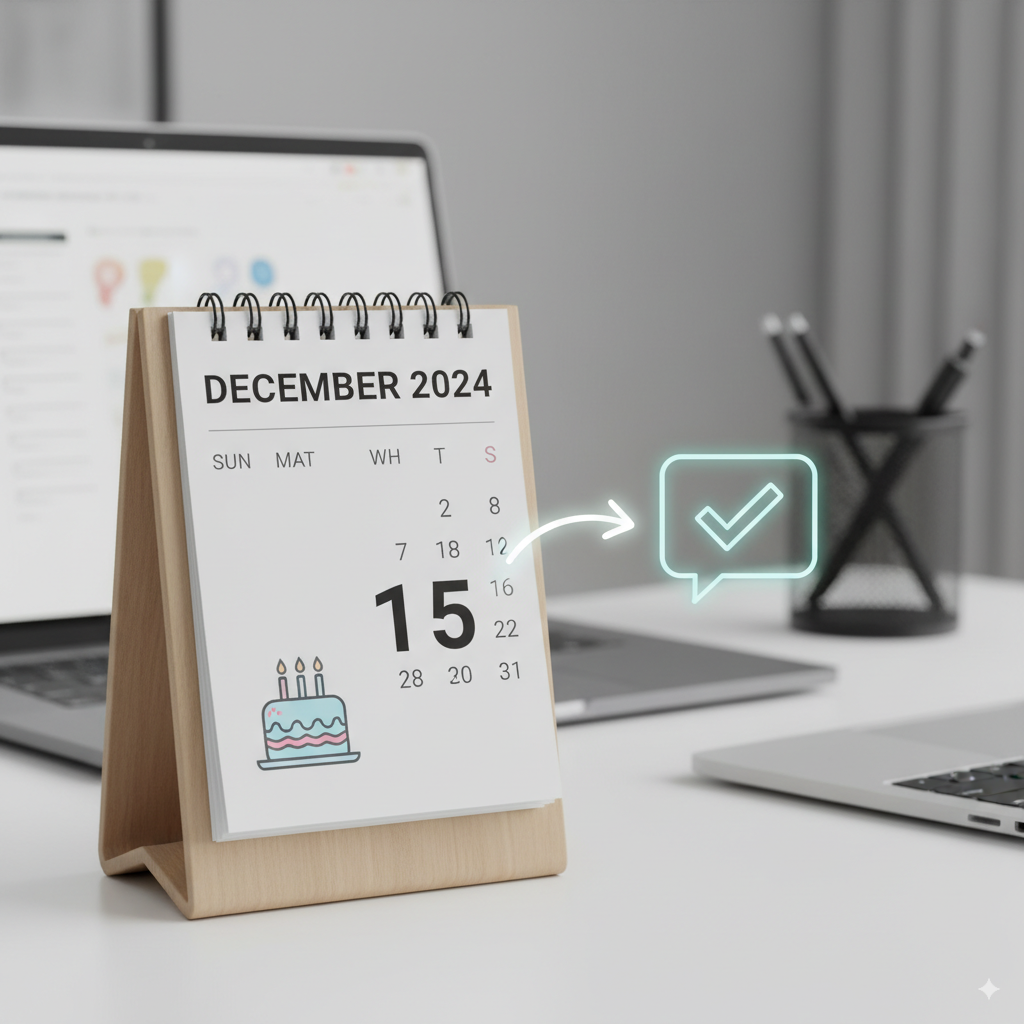
- Automated Text Messages: Schedule messages to be sent at a specific time, like a daily check-in with a family member.
The possibilities are endless. By exploring the Shortcuts app and experimenting with different actions, you can create personalized workflows that fit your unique needs. And if you want to automate birthday wishes, be sure to check out our Birthday Buddy shortcut!