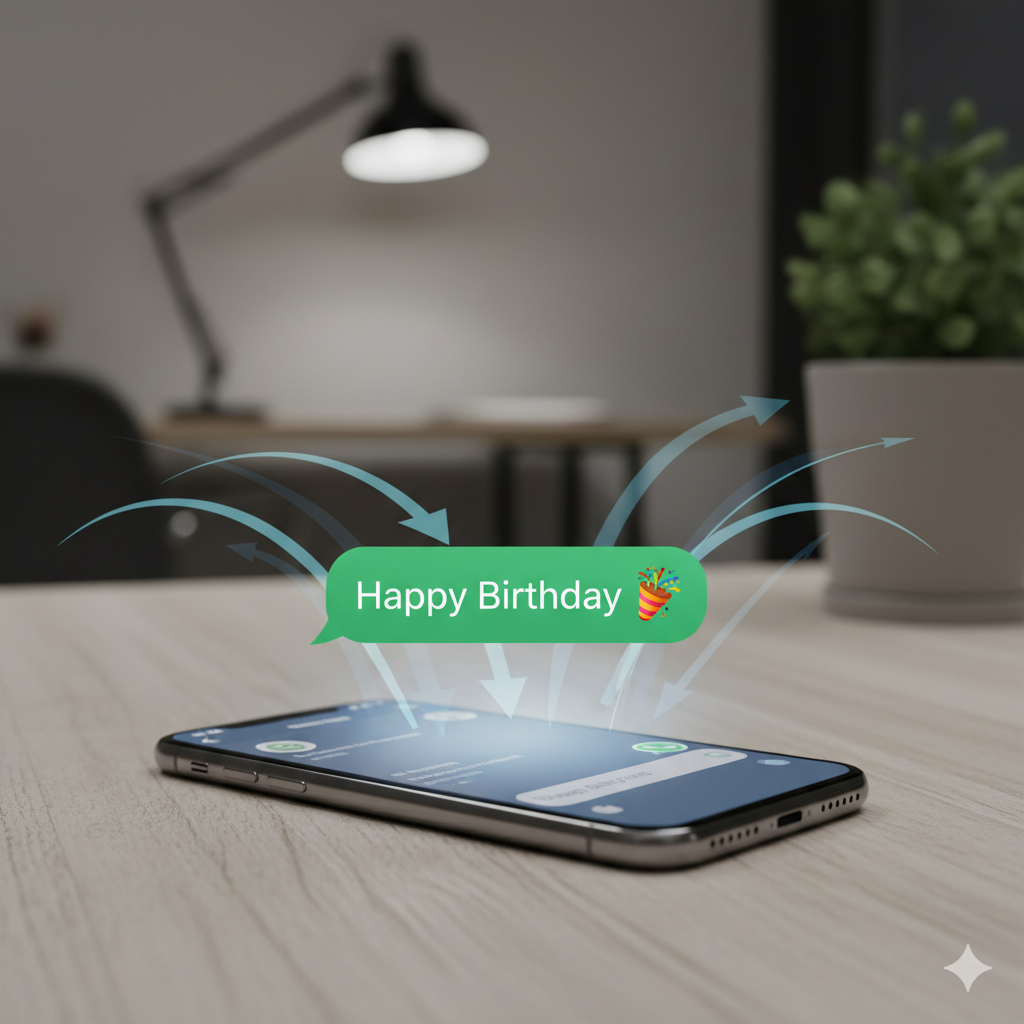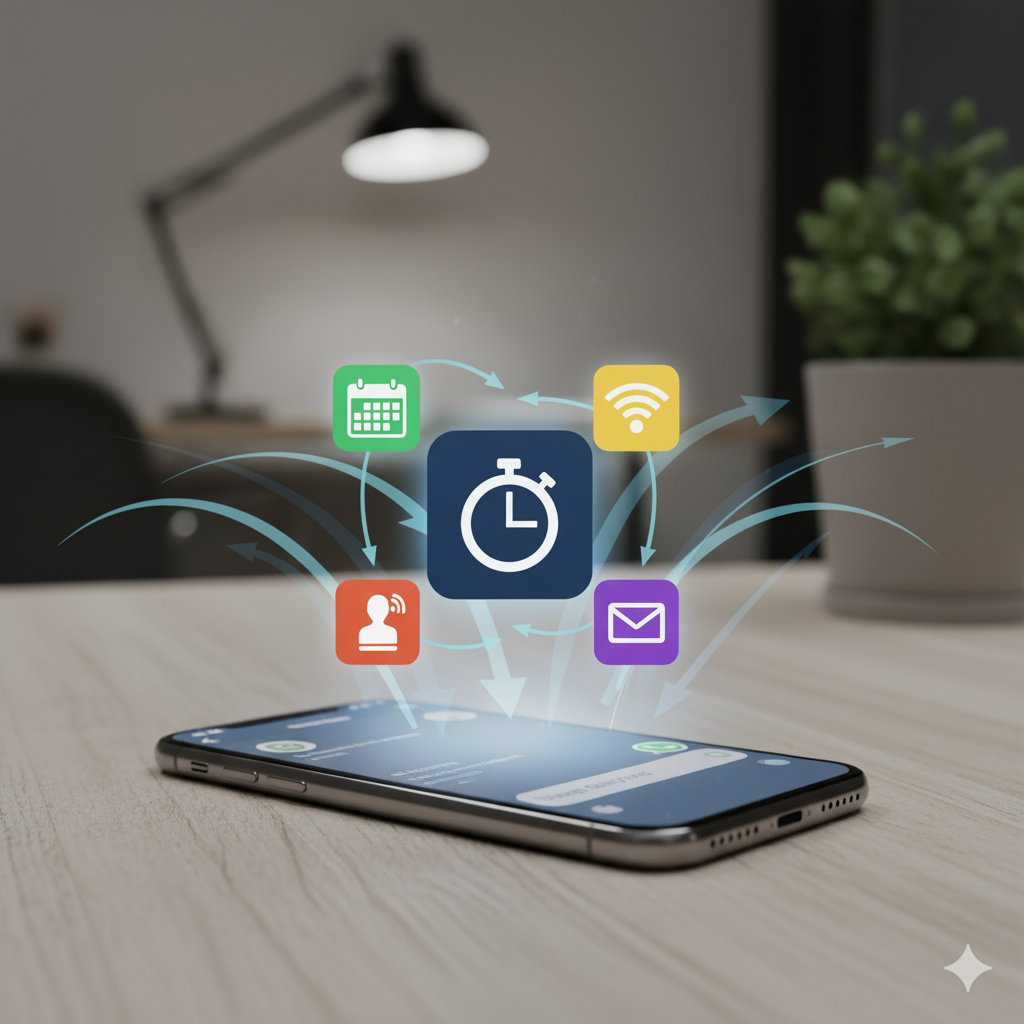
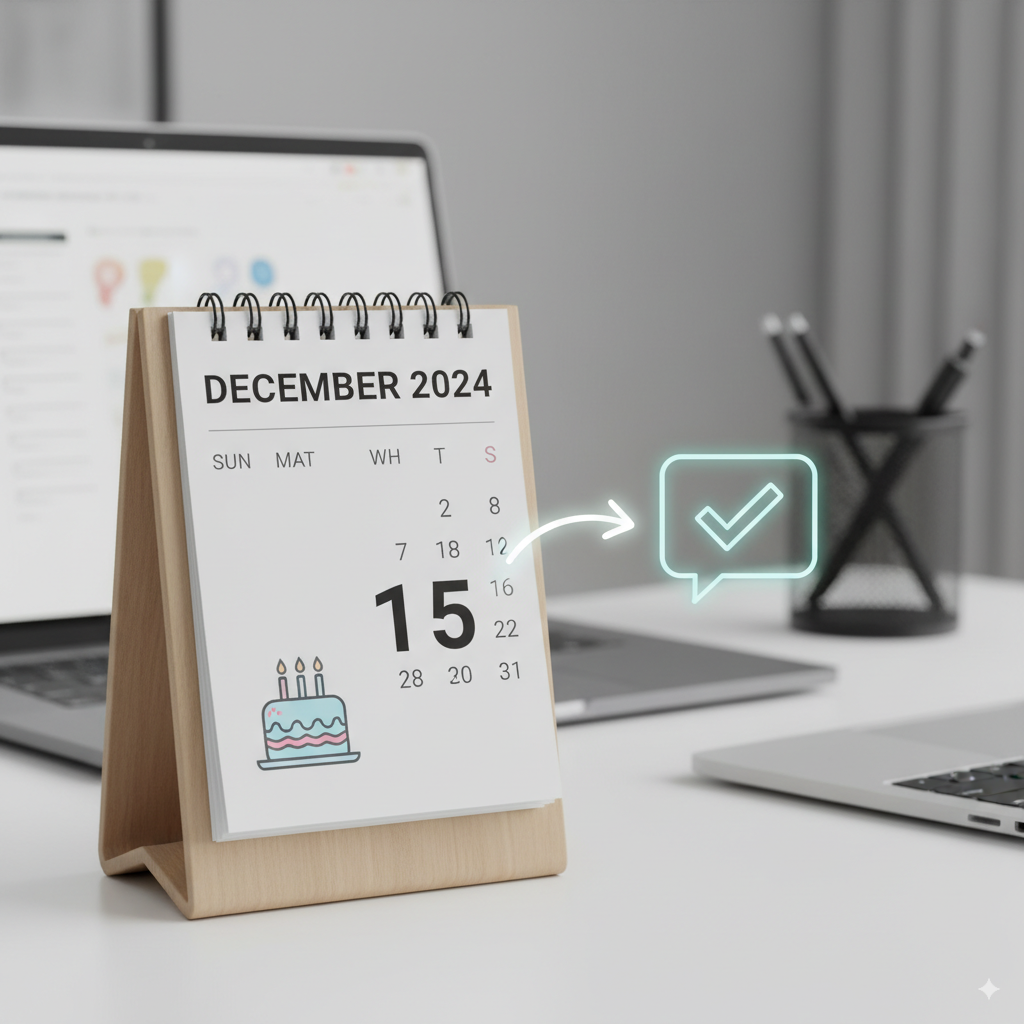
Looking for the best way to automate birthday messages on iPhone? This guide walks you through a practical setup that uses your existing Contacts and a simple daily automation. No extra apps, no complicated hacks—just a reliable iPhone Shortcut that sends personalized happy birthday messages so you never forget again.
What You Need
- An iPhone with the Shortcuts app
- Birthdays added to the relevant contacts
- A pre-written message template you can personalize
How It Works
The shortcut checks your contacts daily, finds birthdays for the current date, and sends your customized message via your preferred channel (iMessage, SMS, or WhatsApp). Set it once, and it runs automatically.
Why This Beats Reminders
- Zero manual typing: Messages are prepared and sent for you.
- Always on time: Runs daily at a time you choose.
- Personal but consistent: Templates keep tone consistent; names are inserted automatically.
Ready to try it? Get our Birthday Shortcut—a one-time purchase that saves time and ensures you always show up for the people who matter.