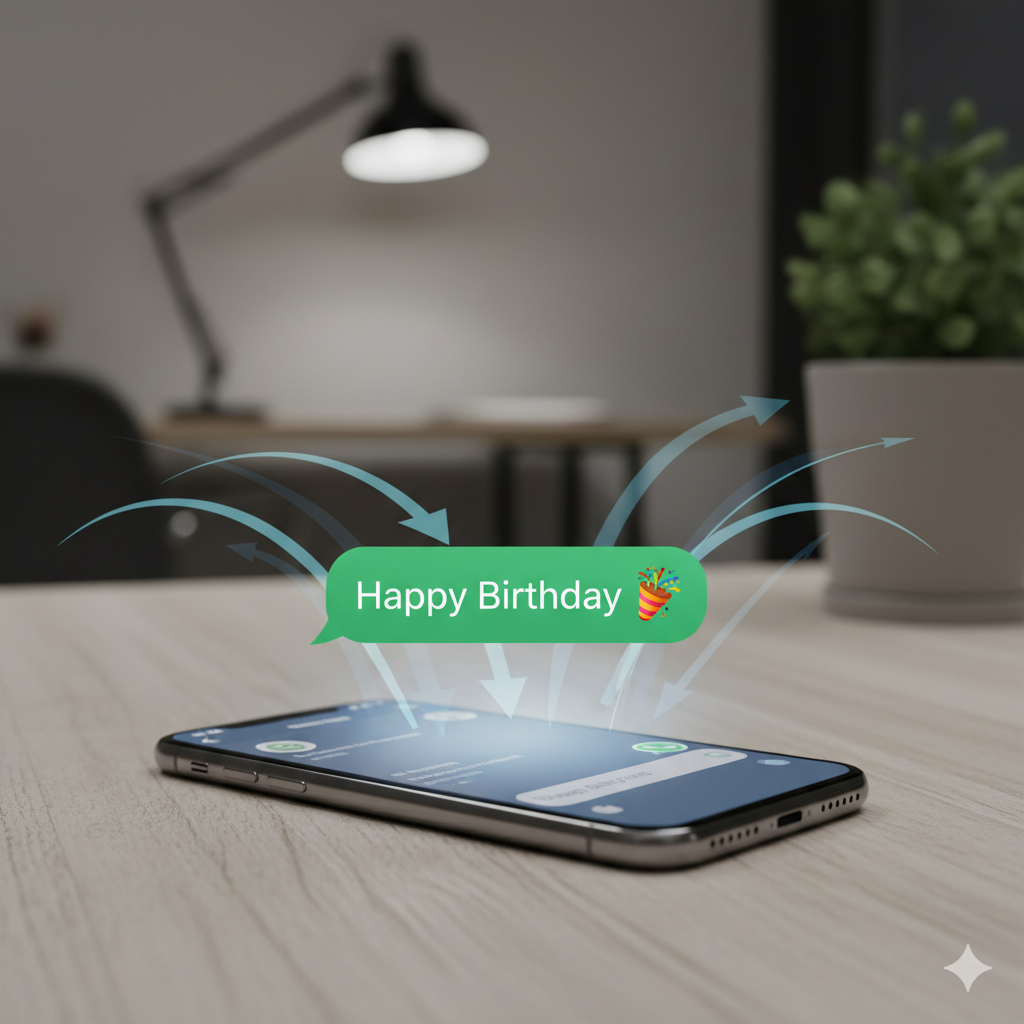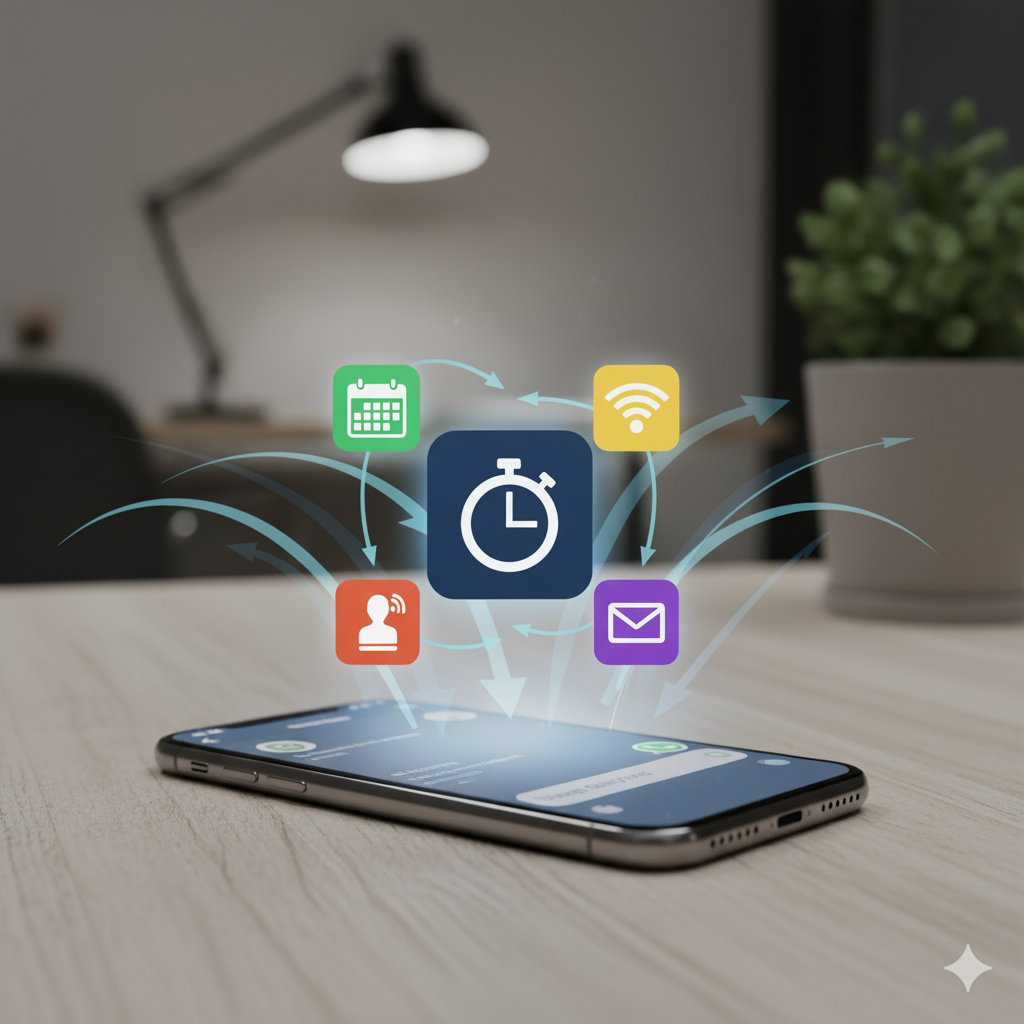
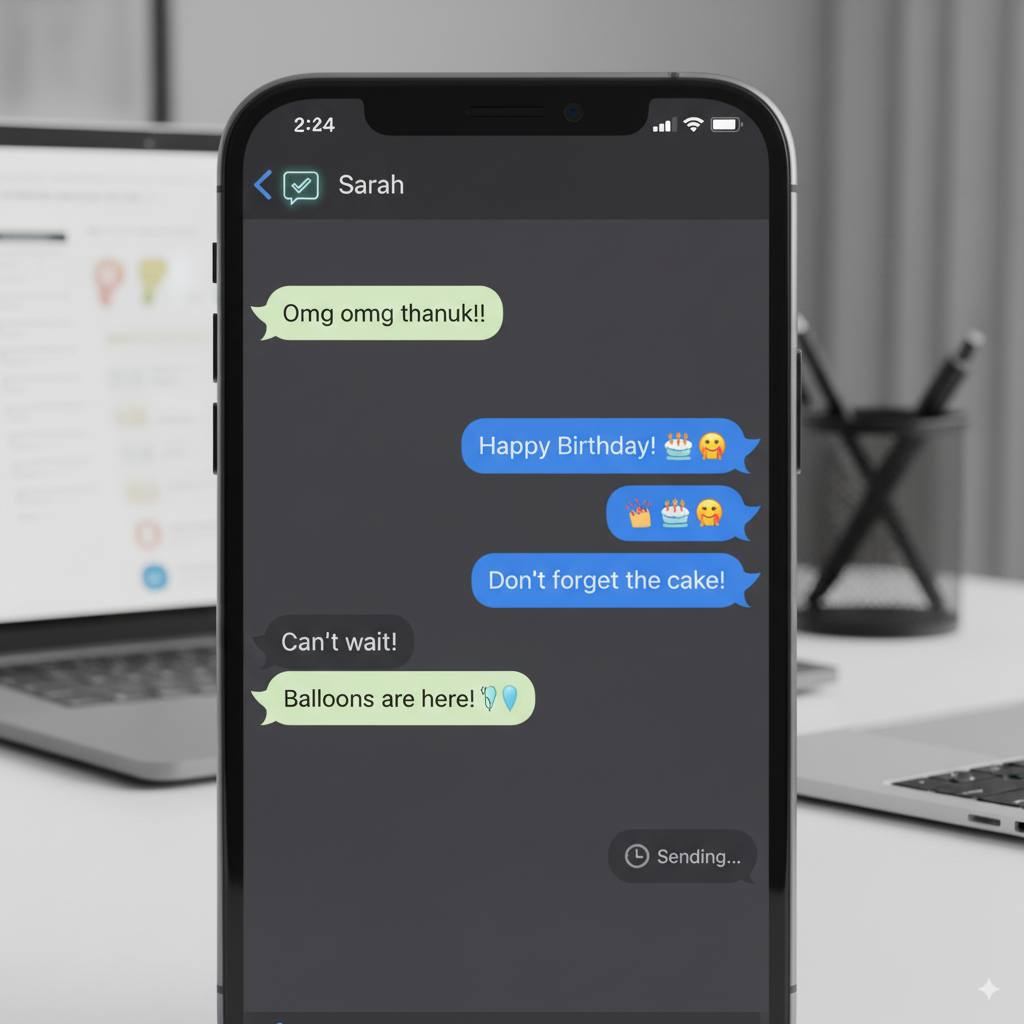
You can auto text happy birthday on iPhone via iMessage or SMS by using a daily shortcut automation. It takes minutes to set up and can be reused forever.
Setup Overview
- Add birthdays to your contacts in the Contacts app.
- Install the Birthday Shortcut and select your preferred channel (iMessage/SMS).
- Create a Shortcuts Automation to run daily at a set time.
That’s it. Each day, your iPhone will check if it’s someone’s birthday and send your pre-crafted birthday message—right on time.
Install the Birthday Shortcut now and never miss a birthday again.